Stop dreaming of a cycling map for Singapore, start helping to build one by sharing your favorite on this site:
www.bikely.com
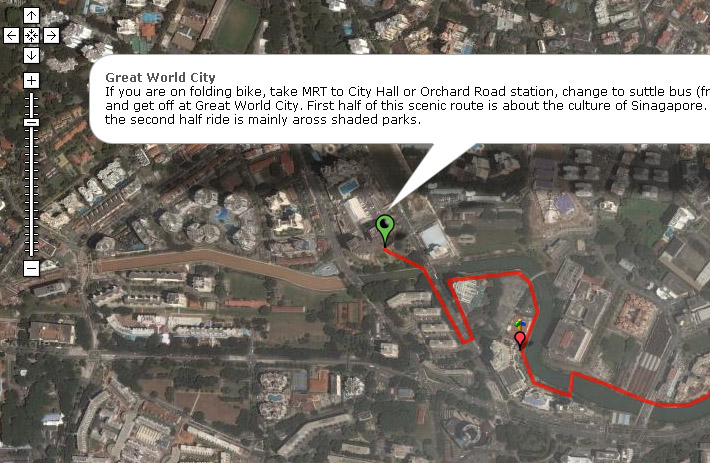
Already a few Singapore routes are there:
Signing up is easy, just fill in your user name, password and email here:
You will have immediate access to create new route.
Simple steps to create new routes:
1) click on the “submit route” menu along the top of page
2) select Draw it on the map using your mouse »
3) you will be seeing a google earth map, on the left of the map is the instruction:
First, enter “Singapore” into the search box, hit search and click on “singapore”, the google earth map will move to show Singapore.
To start drawing, hit the Create Route button above (ALT-C).
Drag the map to navigate it, or use the arrow keys. + & – zooms in and out. Navigate the map so that it shows the starting point of your ruote.
4) To start adding points to your path, simply click on the map. You can still drag the map around as normal.
If you make a mistake, press ALT-X (or the X button below) to delete the selected point.
To save your route, hit the Save Route button at the top right of the screen. Save your path regularly during its construction.
5) when you first save your route, you will be given the opportunity to name your route and have the choice of making it Visible to all or Under construction (hidden).
More detail instructions can be found here:
http://www.bikely.com/tutorial
So what are you still waiting for, create your cycling route now!
One thought on “bikely.com”